Laser engraving: a step-by-step path for beginners. Written for Canada, in Canadian English. A price in Canadian dollars is shown only when this site has already checked a Canadian shop; euro amounts from the English edition are not converted and are not repeated here. Shop links open .
Guide · laser beginner
Laser engraving: a step-by-step path for beginners — Canada
You want to engrave wood, customise acrylic or mark metal, but between advertised power ratings, software and safety rules it is hard to know where to start. This path takes you from choosing a machine to successful first settings, explaining every acronym along the way. It complements the Cutting & engraving hub (Cricut + laser) and the laser settings calculator tool. Prices and specs come from manufacturer data, checked in late October 2026; see our method.
Updated 31 October 2026 · Data: official manufacturer spec sheets
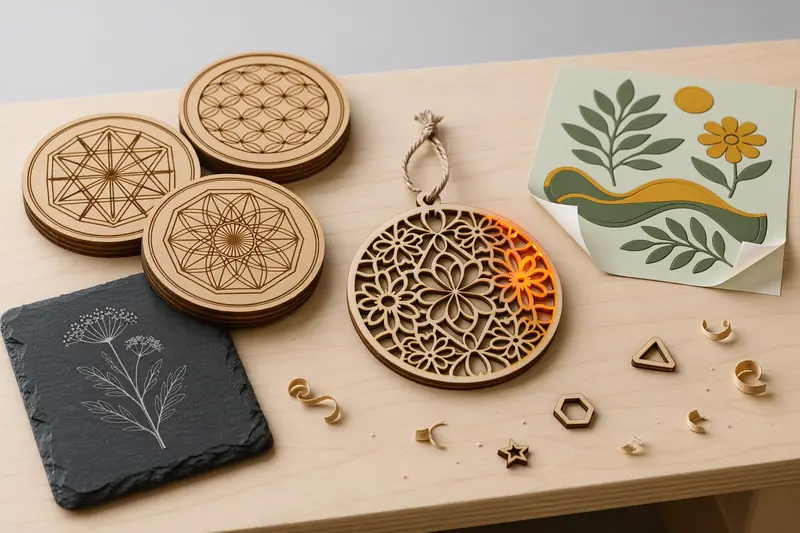
Diode, CO₂ or fibre: three engraver families
At home you mostly meet the diode laser (wavelength around 450 nm, visible blue light): compact, affordable, suited to wood, leather and cast acrylic. The CO₂ laser (carbon dioxide gas, often 10,600 nm infrared) cuts and engraves organic materials and some plastics faster, in larger housings. The fibre laser (1064 nm) is mainly for metal marking in pro workshops. Each type has a laser class (hazard level under EN 60825-1): an open-frame machine is often class 4; a class 1 enclosure keeps the beam inside.
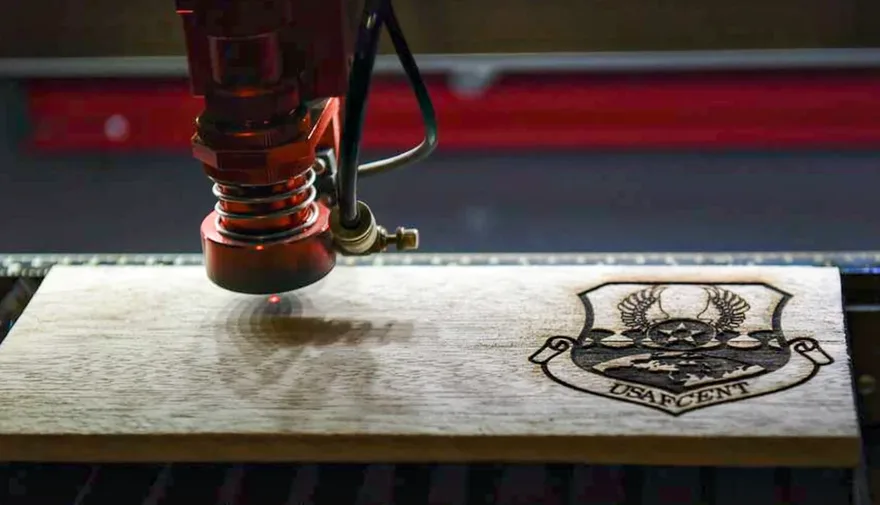
Path in eight steps
- 1. Choose your laser engraver
Diode, CO₂ or fibre; budget the price on Amazon.ca, the price on Amazon.ca or more; class 1 enclosure or open frame; air assist and autofocus.
- 2. Laser engraving safety
Goggles with the right OD (optical density) and wavelength, ventilation, PVC forbidden (HCl), fire and children.
- 3. First settings
Test grid, focus, power %, speed mm/s, passes, LPI (lines per inch) and air assist.
- 4. Allowed and forbidden materials
Wood, cast acrylic, veg-tan leather; never PVC, chlorinated vinyl or smoking polycarbonate without checks.
- 5. Software
LightBurn, LaserGRBL (GRBL driver), xTool Creative Space; SVG and DXF export.
- 6. Common mistakes
Pale engraving, flame, double image, dirty lens, wrong material or odd smell.
- 7. 2026 comparison and buying guide
Budgets, total cost (extraction, goggles, software), brands with verified links; complements the existing beginner engraver comparison.
- 8. Laser engraving glossary
W, mm/s, LPI, DPI, GRBL, galvo, kerf, PWM, air assist, LightBurn.lbrn2 file…
Frequently asked questions
Laser engraving or Cricut cutting to start?
Cricut draws and cuts vinyl, paper and thin fabric without a laser. A laser engraver burns or cuts wood, acrylic and leather with fumes to vent. See Cricut or laser? and getting started with cutting & engraving.
Does this path replace the beginner engraver comparison?
No: the existing comparison stays a quick buying view (holiday sales). Here the goal is step-by-step learning; the path’s 2026 guide goes deeper on budgets and total cost.
Where do the quoted prices come from?
From official European stores, dated late October 2026 (Longer Ray5 and B1 checked 26/10/2026 per our method). We do not bench-test machines: figures come from manufacturer specs.
Sources
- https://www.inrs.fr/risques/rayonnements-optiques/rayonnement-laser.html
- https://eu.longer.net/products/longer-ray5-10w-20w-laser-engraver
- https://fr.xtool.com
- https://lightburnsoftware.com
- https://scan3dlab.com/methode/
Sources checked on 31 October 2026. Machine prices shown are from official European stores in late October 2026 and may change. Technical figures come from manufacturer sheets; we have not tested every engraver in a workshop.
Written by Emmanuel Sauvage · Scan3D Lab
A question about this machine or guide? Ask it here
We read every message and reply by email, usually within a few days.