
Blade cutter
Cricut Explore 3
Vinyl, iron-on and paper: the simplest entry if you do not own a cutter yet.
Cricut or laser: which to pick when the blade is no longer enough?. Written for Canada, in Canadian English. A price in Canadian dollars is shown only when this site has already checked a Canadian shop; euro amounts from the English edition are not converted and are not repeated here. Shop links open .
Guide · choosing a machine
A blade cutting machine (Cricut, Silhouette, Brother) and a laser engraver solve different problems. This guide helps you decide without mixing the two technologies — or sending vinyl under a laser.
Updated 18 November 2026

A user who has had a Cricut Maker 3 for two years.
Her two current wishes — cutting thick wood and engraving a plaque — are exactly what triggered this guide.
| Criterion | Cricut (blade) | Laser engraver (diode or enclosed) |
|---|---|---|
| Core materials | Vinyl, iron-on, paper, thin fabric | Wood, leather, acrylic, slate; no PVC |
| Typical wood thickness | ≤ 2.4 mm balsa, 1.6 mm basswood (knife blade, several passes) | 3–10 mm depending on power (10–40 W diode) |
| Machine budget (new) | Explore ~the price on Amazon.ca, Joy Xtra the price on Amazon.ca, Maker the price on Amazon.ca399.99 (cricut.com, 23 Oct 2026) | Raythe price on Amazon.ca229.99, Bthe price on Amazon.ca459.99, xTool Sthe price on Amazon.ca1,059 (comparison 24 Oct 2026) |
| Noise / fumes | Quiet, no fumes | Fan noise + burn smell; extraction or purifier required |
| Safety | Open blade: cuts; no laser goggles | Open laser usually Class 4: wavelength-matched goggles; enclosed Class 1 easier at home |
| Consumables | Blades, mats, vinyl, optional software subscription | Lenses, filters, air assist, wood/acrylic test sheets |
Machine prices: official Cricut, Longer and xTool stores, recorded 21–24 October 2026 in our cutting machine comparison and laser comparison. Check bundles (goggles, extraction) before you buy.
Stickers, iron-on, vinyl tumblers: the blade wins. An Explore 3 or Joy Xtra is enough to start; Maker 3/5 adds thin fabric and very thin wood. A laser does not replace this.
Cards, calendars, packaging: both technologies cut paper. On a laser, edges may scorch; with a blade, weeding is more predictable.
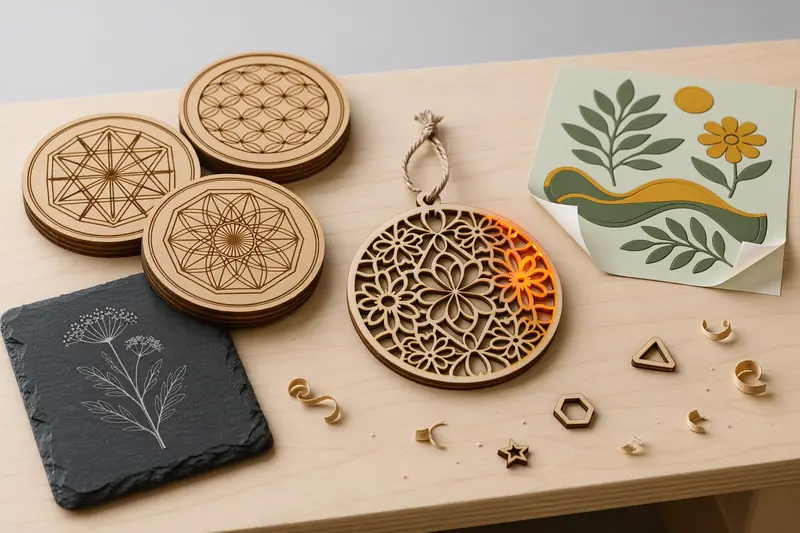
A name plaque in 3 mm plywood, engraving on a board or leather keyring needs a laser. The Cricut engraving tip does not engrave wood; the knife blade stops below 2.4 mm.
Cutting and engraving cast acrylic: diode laser with extraction. Cricut can scratch thin acrylic with the engraving tip, not at laser depth.
Marking anodised aluminum or painted steel: infrared laser (xTool F2, 1064 nm module on S1). The blade only light-scribes thin aluminum.
Blade cutter
Vinyl, iron-on and paper: the simplest entry if you do not own a cutter yet.
Blade cutter
Thin fabric, leather and very thin wood: Cricut’s most versatile blade platform.
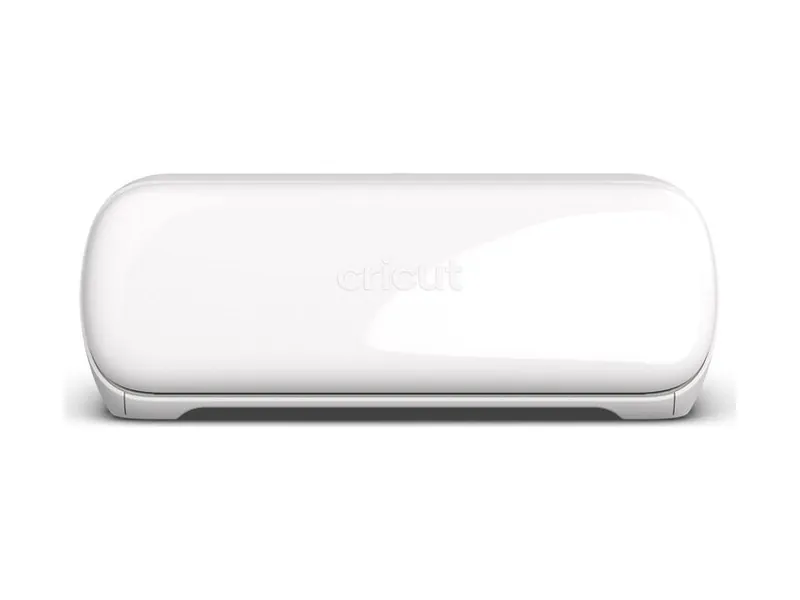
Blade cutter
Labels, cards and small stickers: compact size for a side desk.
Checked pricethe price on Amazon.ca
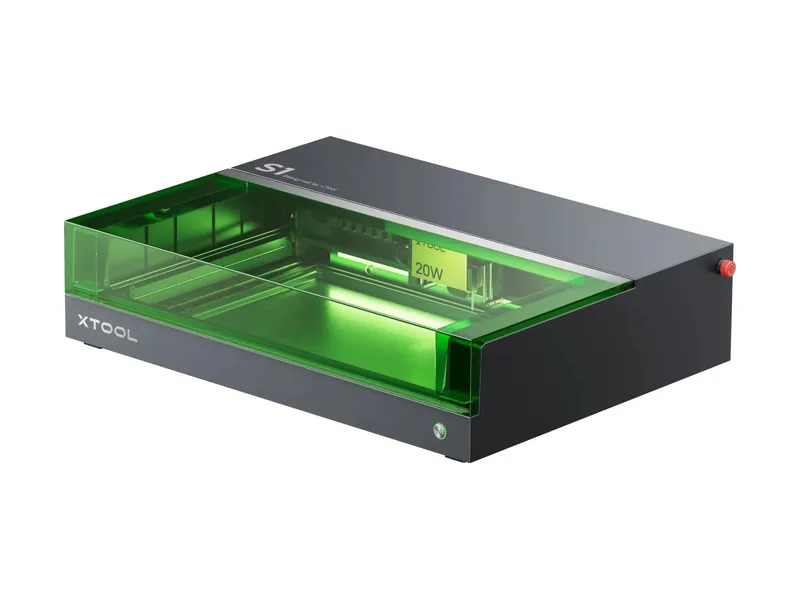
Enclosed diode laser (Class 1)
Engrave and cut wood at home with an enclosed frame and built-in extraction.
Checked pricethe price on Amazon.ca
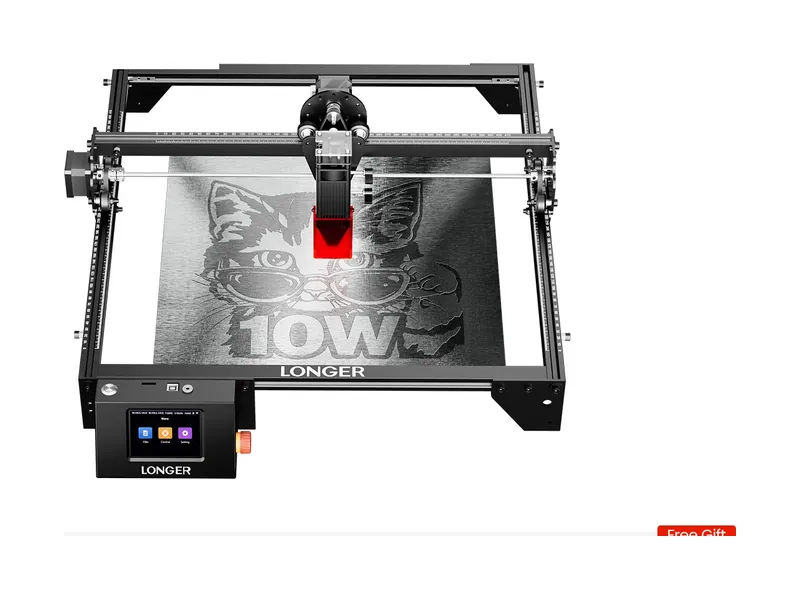
Open-frame diode laser
Large 400 × 400 mm area on a tight budget; goggles and extraction required.
Checked pricethe price on Amazon.ca
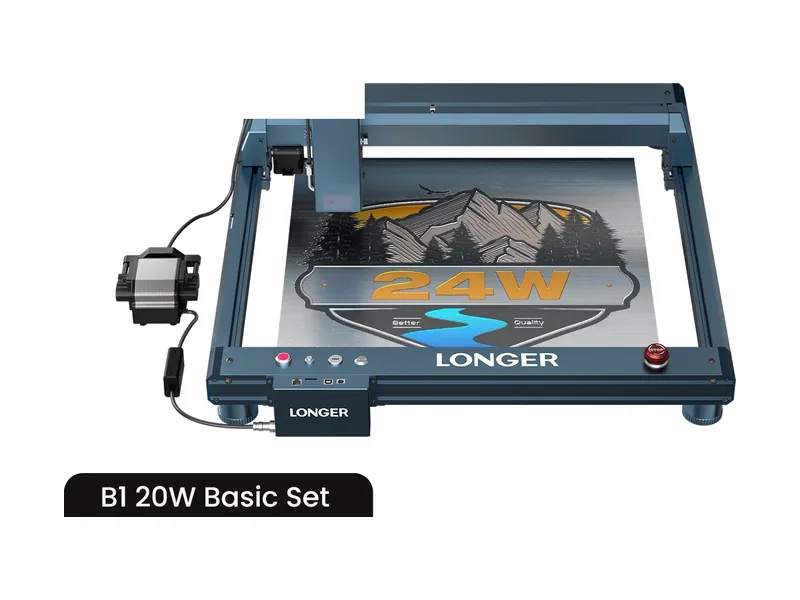
Open-frame diode laser
20 W optical power and 450 × 400 mm for faster wood work.
Checked pricethe price on Amazon.ca
Product photos from our comparisons; affiliate links via Amazon or Awin Longer. No Amazon reviews on this page.
Start with a blade if you mostly do vinyl and paper. Add a laser when a concrete project (engraved wood, 3 mm plywood) no longer works on the Cricut.
No. Vinyl contains PVC; laser heat releases corrosive, toxic hydrogen chloride.
A 10 W diode (Longer Ray5) may suffice in several passes; 20 W (B1) or an enclosed 20–40 W (xTool S1) speeds things up. It depends on plywood quality and air assist.
No: no clean vinyl or iron-on, scorched paper edges, fabric not as neat as a rotary blade. The two machines complement each other.
Count the machine (prices on Amazon.ca for models above), plus the price on Amazon.ca for extraction or goggles on open frames, and scrap wood for tuning.
Our cutting machine comparison for Cricut models, and the laser engraver comparison for xTool, Longer and alternatives.
MAJ 18 November 2026
We read every message and reply by email, usually within a few days.