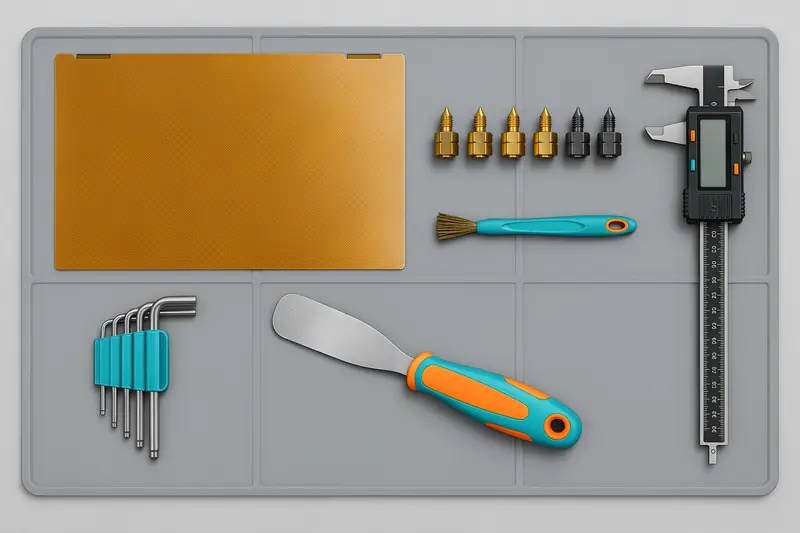

Difficulty 1/5Time 5 minCost €8–25Tools Scraper, new blade
Symptom
Barely visible lines.
Likely cause
Worn blade, low pressure, worn mat.
Fix procedure
Replace xTool blade, step up pressure, new LightGrip mat.
Diagnostics · xTool · Longer · Cricut
Barely visible lines.
Updated 24/10/2026 · Data: official manufacturer spec sheets
Barely visible lines.
Worn blade, low pressure, worn mat.
Replace xTool blade, step up pressure, new LightGrip mat.
Routine maintenance and user-replaceable wear parts: lenses, filters, honeycomb bed, Air Assist, blades and cutting mats. Internal faults, laser source, mainboard or drive rollers under warranty: contact the official manufacturer service (xTool, Longer Technology or Cricut) to keep your warranty and stay safe.
If you are unsure, if your machine is under warranty, or if the error persists after basic checks, contact official support or have the manufacturer repair your device.
| Brand | Links | Phone | |
|---|---|---|---|
| xTool | support@xtool.com, support@info.xtool.com | +1 (888) 888-4210 / +1 (626) 414-3116 (Mon–Fri) |
We read every message and reply by email, usually within a few days.