Skip to content

Diagnostics · Printers

Key 2001 / MCU Timer too close — MCU Timer too close (Klipper overload) (K1, K1C, K1 Max): cause and fix

Print freezes, reboots, Klipper timer message (Klipper Discourse).

Updated 24/10/2026 · Data: official manufacturer spec sheets

← All faults

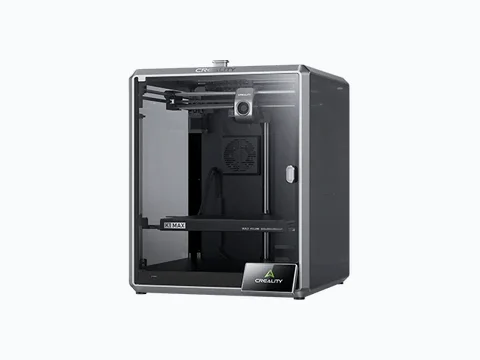
Creality K1 Max
Creality K1 MaxCreality
Difficulty 3/5Time 20–45 minCost €0–12Tools Data USB cable

Symptom

Print freezes, reboots, Klipper timer message (Klipper Discourse).

Likely cause

Heavy macros, bad USB, high CPU load on K1.

Fix procedure

Replace data USB cable, disable camera/LED for test, update Creality Klipper; lower accel if custom macros.

On this page (4)

User maintenance & wear parts vs manufacturer service

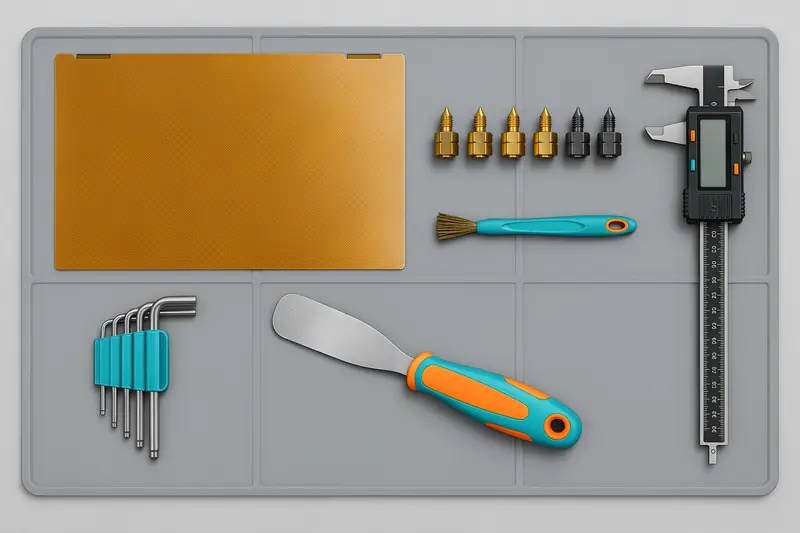
Routine care (user-replaceable): nozzles, PEI sheets, FEP/PFA film, PTFE tubes and cleaning per the manual. Manufacturer service recommended for mainboard, power supply, motors or heater faults under warranty (Bambu Lab, Creality, Elegoo, Anycubic, Sovol, 3DMakerpro).

If you are unsure, if your machine is under warranty, or if the error persists after basic checks, contact official support or have the manufacturer repair your device.
Contact official support & manufacturer service

BrandLinksEmailPhone
Crealitycs@creality.com, service@creality.com+86 755 3396 5666

Was this page helpful?

A question about this machine or guide? Ask it here

We read every message and reply by email, usually within a few days.